MTK Time Next · Free desktop time tracker

Track time.
Keep momentum.

Record work by person, task, project, and client. When you step away, your timer pauses after two minutes without keyboard or mouse activity, then resumes when you return.

Next 1.3.0 Windows 10 or later Local data

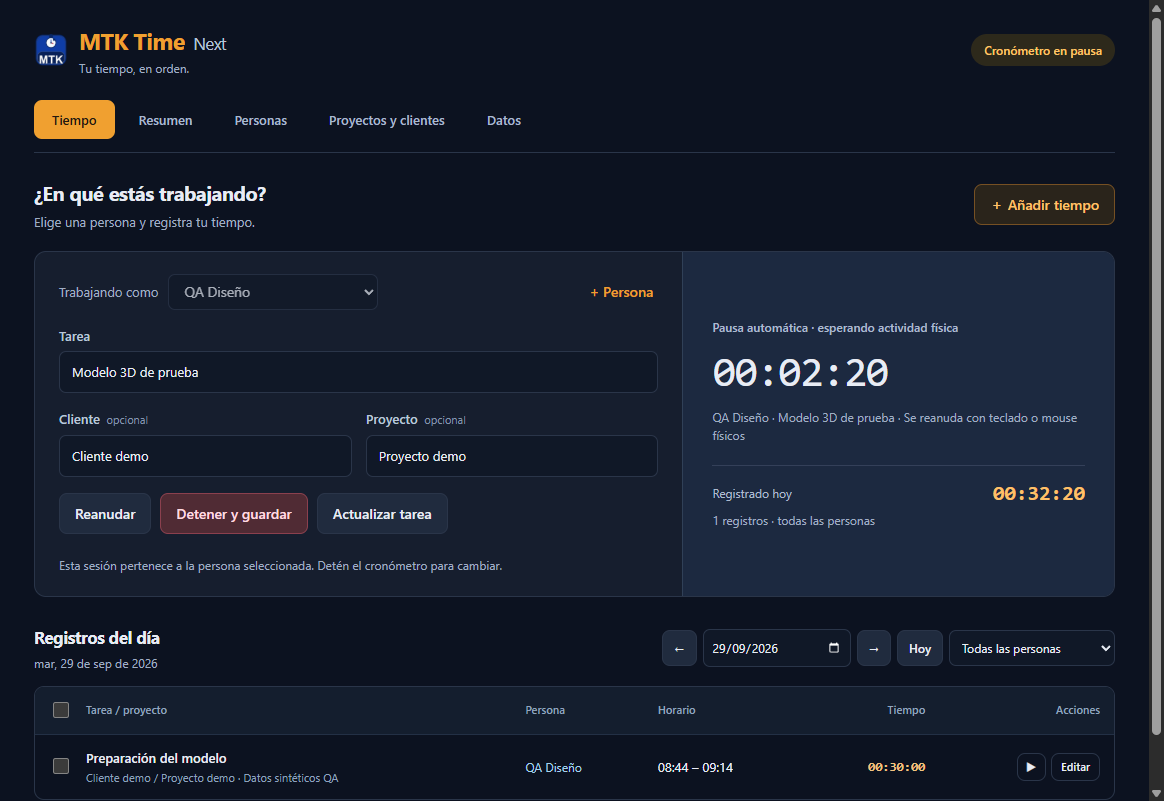
MTK Time Next showing a timer paused automatically after physical input inactivity
Your session stays saved while you are away and resumes with physical input.

Simple by design

From task to timesheet in three steps.

  1. 01

    Choose what matters

    Choose a person and add a task, with an optional project and client.

  2. 02

    Track without friction

    Start your timer. It pauses after two idle minutes and resumes with physical input.

  3. 03

    Review and export

    Correct entries, inspect totals, and export the records you need.

Everything essential

Built around the work you do.

MTK Time Next keeps your timer, people, and work records together on your PC.

Pause when you step away

After two minutes without physical keyboard or mouse input, your timer pauses. Agent commands and ordinary simulated clicks do not keep it running. Physical input resumes the session automatically. A manual pause stays paused.
2-minute pause

Track time by person

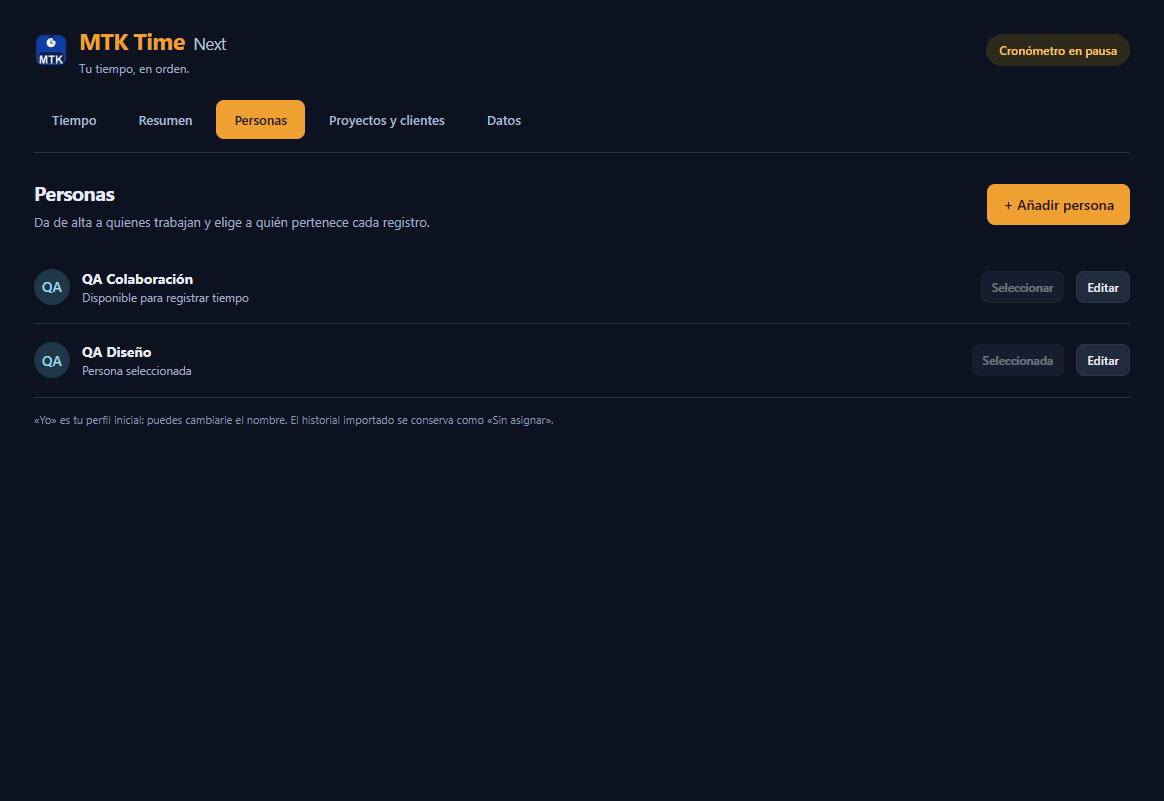
Choose who is working, assign saved sessions to a person, and filter daily, weekly, and monthly summaries to see their time.

Clear ownership

Accurate manual entries

Add start and end times, subtract a break, and preview the total before saving. Edit past entries and export CSV, JSON, or NDJSON.

Your records

Plain-language privacy

Activity timing. Local records.

The inactivity monitor keeps only activity timing. It does not store what you type or mouse coordinates. People, sessions, and backups stay in your local Next database. This version does not require online activation.

Your work, in view

A focused timer.
A clear history.

Keep the task in front of you and review the people behind your work records in the familiar navy and amber workspace.

Ready when you are

Make every working minute visible.

Download MTK Time Next for 64-bit Windows. Next installs separately from the original MTK Time and keeps its own data. Close Next when you are ready to install an update; existing Next records are preserved.

The monitor ignores software-injected input. A device or driver that presents automated input as physical hardware cannot be reliably distinguished.

Download Next 1.3.0 Windows x64 installer